The Problem: Missing Street View or Embarrassing Alley Photos
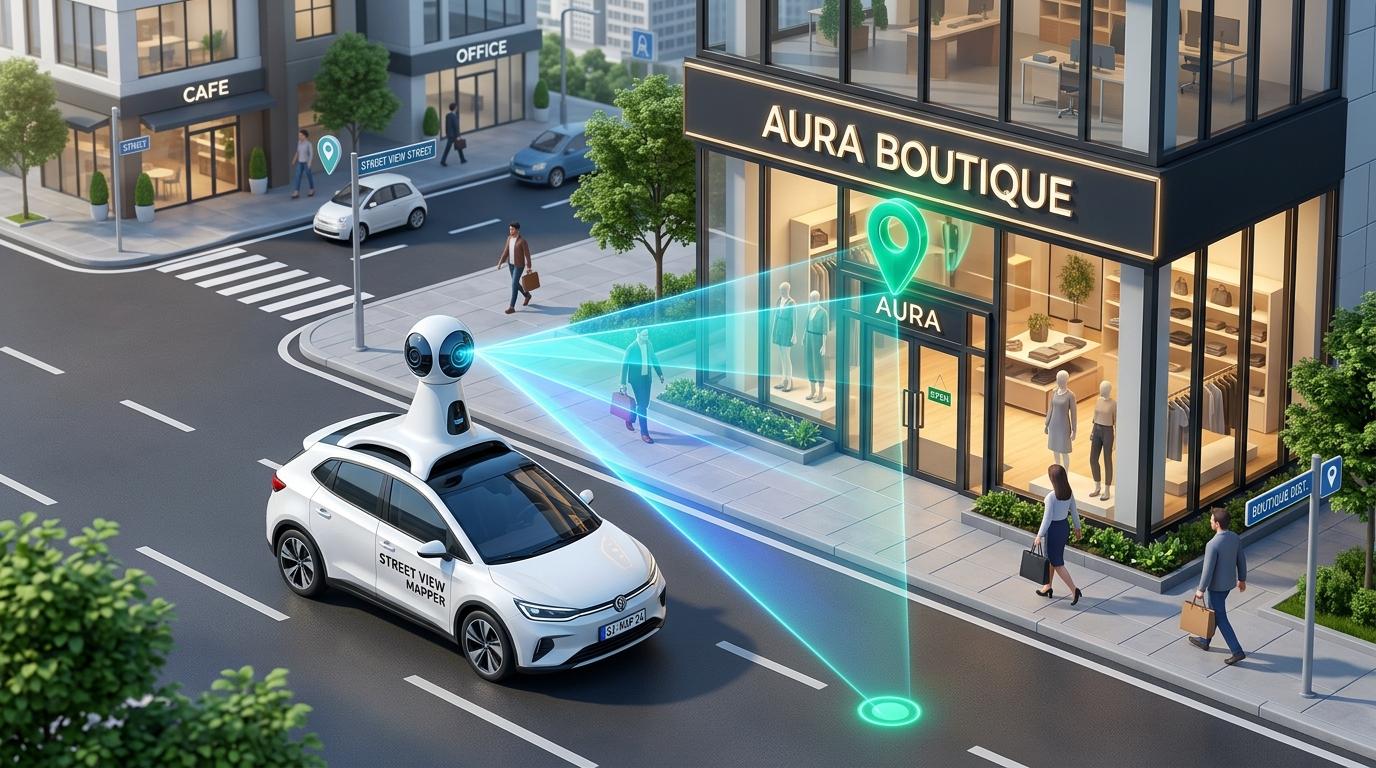
When a prospective customer searches for your business on Google, the first visual impression they receive is the 360° Street View & 3D Imagery preview card displayed inside your Google Business Knowledge Panel.
Storefront and office owners commonly face two major Street View issues on Google Maps:
- No Street View on Google Maps: The listing shows a blank generic map or placeholder with no 360° thumbnail because the pin is out of range of Google vehicle tracks.
- Street View Pointing at the Back: Google displays a commercial waste dumpster, rear loading dock, or brick wall from a service alley instead of your storefront.
- Wrong Building Shown: The panorama points across the street or snaps to an adjacent plaza unit.
This causes walk-in visitors to assume your store is permanently closed, unappealing, or located in an unsafe alleyway.
Why is There “No Street View on Google Maps” for My Business?
If your business card on Google Maps does not have a Street View icon or says “Street View unavailable”, Google has not associated any panoramic imagery with your coordinates. Here is why this happens:
Google's Street View cars record coordinates strictly from public roads. If your map pin is sitting in the center of a large 10-acre parcel, a deep office park, or a rural warehouse lot (more than 50–70 meters away from the nearest public roadway), Google's algorithm decides no vehicle has a valid line-of-sight and hides the preview completely.
Google Street View cars do not drive down private, gated, or unmapped corporate driveways. If your pin sits on a private lane, Google will not display Street View until you calibrate the pin toward the main public roadway entrance.
Move your pin to the closest public driveway or sidewalk edge of your parcel using GMB Pin Fixer. Within 48 hours, Google will snap to the nearest public vehicle panorama. Alternatively, you can publish your own 360° photo to Google Street View Studio using any panoramic camera or smartphone 360 app.
How Google Decides Which Street View Imagery to Show
Google Maps does not assign Street View angles manually. Instead, an automated vector algorithm calculates the shortest perpendicular distance between your Map Pin coordinates and the nearest recorded path of the Google Street View camera vehicle:
The Geocoding Snap Trap: If your pin is located in the middle or rear of your commercial property parcel, the camera point in the back alley may be 20 meters away, while the front street camera is 30 meters away. Google will automatically choose the alley photo because it is mathematically closer!
Method 1: Calibrate Your Pin to the Front Door (Fastest Fix)
In 85% of cases, you do not need to wait weeks for Google support. You simply need to reposition your map pin from the building center directly to your front entrance threshold:
- Open Google Maps on your desktop or phone and zoom in directly over your front entrance door.
- Right-click the exact front door step to copy your high-precision 6-decimal coordinates (Latitude & Longitude).
- Use the GMB Pin Fixer Web Tool or Chrome Extension to inject these coordinates into your Google Business Profile editor. If your marker is also misplaced on the street map, follow our complete wrong Google Business pin troubleshooting guide.
- Save your changes. Because your pin is now closer to the front street than the rear alley, Google's automated camera linker will snap your Street View orientation to the front street within 24–48 hours.
Method 2: Request an Official Imagery Correction
If your front entrance is located on a pedestrian mall, indoor galleria, or private driveway where Google cars do not drive, follow this manual reporting protocol:
- Open Google Maps and search for your business name.
- Click on the incorrect Street View 360 photo to open the full panoramic viewer.
- Click the three-dot vertical menu icon in the top-left corner and select “Report a problem”.
- Under “Request image blurring or issue”, select “Misplaced image / Incorrect entrance location”.
- In the description box, provide your exact front door coordinates and explain that the current angle shows a rear service entrance.
Frequently Asked Questions: Street View Fixing
Why does Google Maps say 'No Street View Available' for my business?
This happens for three reasons: 1) Your map pin is placed too far from the nearest mapped public street (over 50 meters into a commercial plaza or rural parcel); 2) Your building is located on a private road, gated industrial park, or newly built subdivision where the Google Street View vehicle has never driven; or 3) Your pin was accidentally dropped on a rooftop without an established vehicle line-of-sight.
How can I enable Street View if my business currently has no imagery?
First, calibrate your map pin closer to the nearest public street or driveway entrance using GMB Pin Fixer. If Google's vehicles have never mapped the street, you can capture and upload your own 360-degree photo or custom virtual tour using Google Street View Studio or a 360-camera (like Insta360 or Ricoh Theta) and link it directly to your business profile.
Why is Google Maps showing the back of my building or a trash dumpster?
Google's automated imaging algorithms pair your business listing with the closest Google Street View camera vehicle coordinate. If your map pin is placed near the back or center of your parcel, Google automatically links the imagery to the rear alley rather than your main front entrance.
Can I manually choose which Street View photo appears on my business profile?
Google does not provide a direct button to pick a specific Street View panoramic angle. However, you can force Google to update the imagery by calibrating your map pin to your front entrance door coordinates, or by uploading an approved 360° photosphere using Google Street View Studio.
How long does it take for Google Street View to update after moving my pin?
Once you calibrate your pin to the front entrance using GMB Pin Fixer, Google's imagery re-indexing pipeline usually updates the linked Street View preview within 24 to 72 hours.
Will fixing my Street View cause my business profile to be re-verified?
No. Micro-adjusting your pin onto your actual building entrance (within 5 to 30 meters) does not change your street address text, meaning it will not trigger suspension or re-verification.