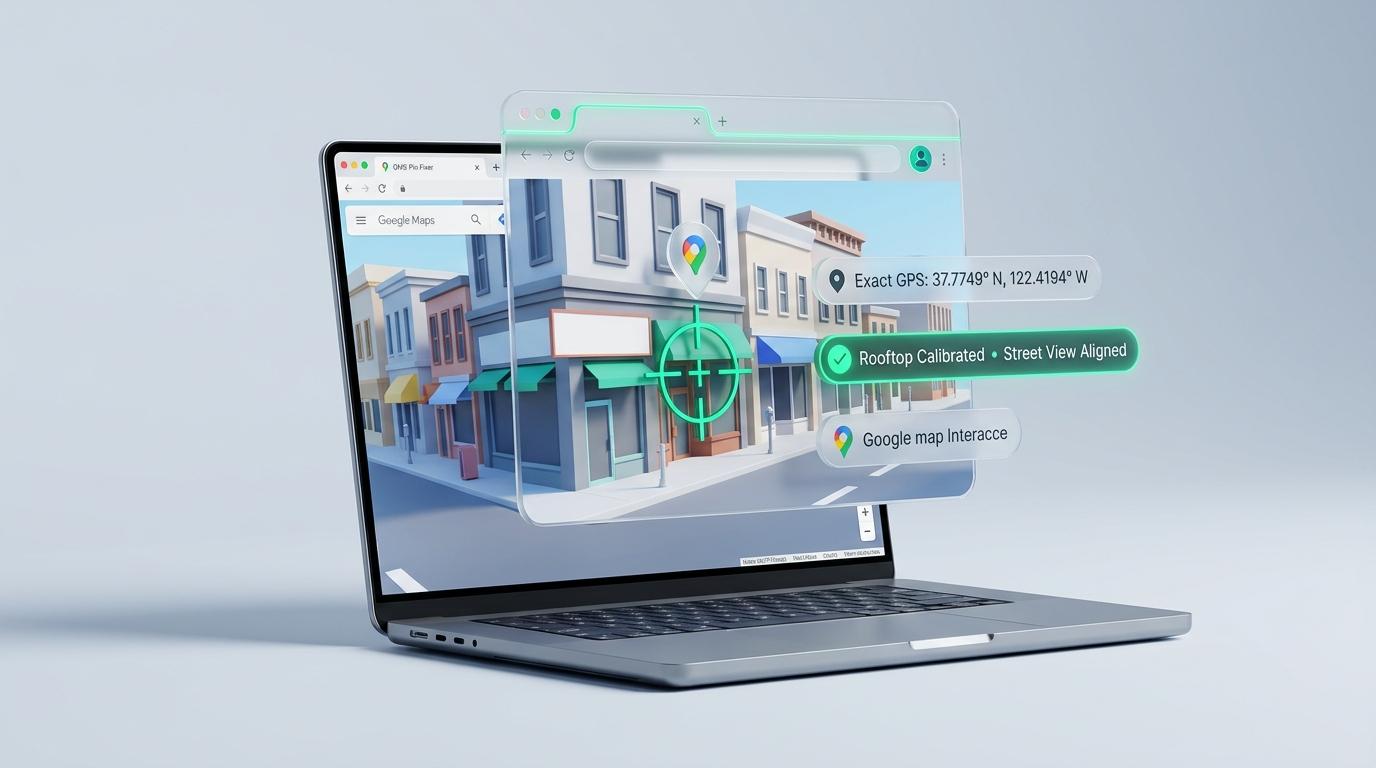
Why Exact Coordinates Are the Gold Standard for Accurate Navigation
Addresses can be ambiguous. In cities across the US, UK, and worldwide, multiple streets share similar names, postal codes cover expansive square miles, and office towers contain dozens of different suites.
GPS coordinates (Latitude and Longitude) eliminate all ambiguity. When your pin is placed at 6 decimal places (e.g., 37.774929, -122.419416), the location precision is within 11 centimeters (4.3 inches). This guarantees that delivery couriers, rideshare drivers, and walk-in customers arrive directly at your front door.
3 Ways to Find Your Building's True Coordinates
Method 1: Right-Click on Google Maps (Desktop)
Go to maps.google.com, switch to satellite mode, zoom directly into your building rooftop, and right-click on your front entrance. The very first menu item shows your Latitude and Longitude. Click it to copy to your clipboard.
Method 2: Share WhatsApp Live or Current Location
Stand inside your shop or office, open WhatsApp on your phone, tap the paperclip/plus icon → Location → Send Your Current Location. Copy that link and paste it into our GMB Pin Fixer coordinate resolver. Our tool instantly extracts the exact Lat/Lng.
Method 3: Browser Device Geolocation
If you are working from a laptop or mobile browser at your physical business location, use the “Detect My Current Location (GPS)” tab on our homepage tool to grab hardware-level satellite coordinates with ±5m accuracy.
Fix Your Google Business Pin Now (Desktop & Mobile)
Don't just read about it—apply the verified fix right now. Choose your device below for exact step-by-step instructions.
18.758556, 73.433109Extract ZIP. Go to chrome://extensions, enable Developer mode & click Load unpacked.
Search “my business” on Google → Edit profile → Location → Click Adjust on the map.
Click GMB Pin Fixer in your toolbar, click “Done”, and Google locks the pin onto your exact rooftop!
How to Inject Coordinates into the Google Business Map Modal
Since Google does not have an input field, GMB Pin Fixer interacts with Google's underlying Google Maps JavaScript API instance:
- Open the map adjustment screen inside your business profile manager.
- Launch the GMB Pin Fixer Chrome Extension in your browser toolbar.
- The tool executes
setCenter(new google.maps.LatLng(lat, lng))and adjusts the zoom level to 19 (rooftop view). - Because Google determines the pin position based on the map center when you hit “Done”, clicking the green-highlighted Done button saves your exact coordinate location.
Frequently Asked Questions About GPS Coordinates
Why doesn't Google Business Profile have an input box for GPS coordinates?
Google intentionally simplifies its merchant dashboard for non-technical users, relying on automated street address geocoding. However, this often fails for multi-unit buildings, industrial complexes, and rural areas. GMB Pin Fixer bridges this gap by directly interacting with Google Maps JavaScript API in your browser.
How many decimal places should my Latitude and Longitude have for rooftop accuracy?
We recommend at least 6 decimal places (e.g., 37.774929, -122.419416). Six decimal places provide location accuracy within approximately 11 centimeters (4.3 inches), which guarantees placing the marker on your actual storefront entrance.
Can I use WhatsApp location coordinates for my Google Business pin?
Yes. When you stand at your business location and share your current location via WhatsApp, WhatsApp generates a Google Maps URL containing your device's live satellite coordinates. You can paste that link into GMB Pin Fixer to automatically extract the Lat/Lng.
Does this require a Google Cloud API key or developer billing account?
No. GMB Pin Fixer operates strictly in your active browser session by controlling the map interface on your screen. No Google Cloud developer accounts or API keys are required.
Ready to Move Your Business Pin Accurately?
Test your profile safety first or extract your rooftop coordinates directly in our free browser tool.
Recommended Next Guides
Why Does My Google Business Pin Keep Moving Back? How to Make It Stick
Fix Google Business pins that automatically revert to old locations. Audit citations, reject orange updates, and lock coordinates.
Google Maps Sending Customers to Back Door or Alley? How to Fix Navigation
Learn the difference between Display Pins and Routing Access Points, and how to force GPS directions to your front entrance.
How to Place Google Business Pin in a Shopping Mall or Strip Center
Rooftop unit precision for multi-tenant retail centers. Format suite numbers and configure the 'Located In' attribute.
Google Business Profile Suspended After Moving Pin? Step-by-Step Reinstatement
Recover a suspended profile after location edits. Assemble your 5-point evidence dossier and submit an official reinstatement appeal.
How to Change Google Business Pin Without Re-Verification or Suspension
Crucial guidelines to safely move your map pin without triggering automated fraud filters or video re-verification.
Google Business Profile Pin in Wrong Location? How to Fix It Fast
Why Google snaps markers to postal centroids and back alleys, and how to calibrate your pin to the front entrance in 60 seconds.
How to Re-verify Your Google Business Profile Without Getting Suspended
Proven preparation checklist to pass Google video verification and audits without endless processing delays.
Service Area Business vs. Physical Storefront: Google Maps Rules Explained
Official rules on when to display a storefront pin vs hiding your residential address to avoid automated suspensions.
Google Maps Street View Shows the Wrong Location or Backside? How to Fix It
How to re-align your 360 Street View imagery with your storefront entrance by calibrating front door coordinates.
How to Verify Google Business Profile: Video & Instant Verification Guide (2026)
Step-by-step checklist to pass Google Business Profile video audits, avoid location mismatch rejections, and verify Google Maps listings.
Google Business Pin in Wrong City or Zip Code? How to Fix It
Fix a Google Business Profile pin snapped to the wrong town, postal code, or municipality centroid. Learn why boundary algorithms fail and how to force correct coordinates.
How to Find Exact Latitude and Longitude on Google Maps (PC & Phone)
Complete guide on extracting 6-decimal rooftop coordinates from Google Maps on desktop, iPhone, and Android. Use satellite crosshairs to pinpoint storefront entrances.
How to Hide Your Address on Google Business Profile (Without Losing Rank)
Learn how to convert to a Service Area Business (SAB), hide your residential address from Google Maps, and protect your local search rankings.
Video Verification Failed Due to Map Pin Mismatch? How to Fix It
Solve Google Business Profile video verification rejections caused by map pin location mismatch. Align your satellite coordinates with video evidence.
Google Maps Pin at Wrong Entrance or Parking Lot? How to Fix Navigation
Customers arriving at delivery docks or closed gates? Fix Google Maps navigation routing by calibrating your pin to your true customer entrance.
How to Move a Service Area Business (SAB) Pin on Google Maps
Relocating your home-based or mobile service business? Learn how Google handles hidden SAB coordinates and how to move your service base safely.
Did a Competitor Move Your Google Business Pin? How to Lock It
Defend your Google Business Profile against malicious crowdsourced edits. Learn how competitors move pins and how to permanently lock your coordinates.
Google Maps Delivering to Back Alley? [Step-by-Step Navigation Fix]
Stop delivery couriers and customers from arriving in narrow back alleys. Learn how to pull your navigation access point onto the main street.
How to Change Your Google Business Pin Without Re-Verification
Learn how to calibrate your Google Business Profile map pin safely without triggering video re-verification or automated profile suspensions.
Google Business Pin Snapping to Highway or Median? How to Fix Road Snapping
Business located along a freeway or highway frontage road? Learn why Google snaps your pin to traffic lanes and how to anchor it to your building.
Multiple Businesses at the Same Address? Fix Overlapping Google Pins
Operating in a co-working space, medical plaza, or shared building? Learn how Google filters overlapping pins and how to micro-offset coordinates.
Google Maps Pin for Rural Addresses & County Roads [Accurate GPS Fix]
Fix misplaced Google Business pins on rural routes, county roads, fire numbers, and properties without standard sequential street numbers.
How to Fix Google Business Pin for Landmark-Based Addresses in India
Clinic or store pin stuck at a nearby landmark, metro pillar, or colony gate? Learn how to calibrate exact rooftop coordinates across Indian cities.
Google Business Pin Not Showing on Google Maps? 6 Reasons & Fixes
Listing verified but your red pin marker is completely missing from Google Maps? Discover why place labels disappear, zoom thresholds, and how to restore pin visibility.
How to Use Google Plus Codes to Place Your Google Business Pin
Learn how Open Location Codes (Plus Codes) work for Google Business Profiles in areas without street names or numbers. Snap pins to exact rooftop locations worldwide.
How to Remove or Merge Duplicate Google Business Profile Map Pins [Keep Reviews]
Clean up rogue or duplicate Google Maps pins splitting your reviews and rankings. Step-by-step merge protocol, permanently closed removal, and avoiding suspension.
How to Move Your Google Business Pin on Mobile [iPhone & Android Guide]
Step-by-step instructions to recalibrate your Google Business Profile pin directly from your iPhone, iPad, or Android phone using Google Maps and mobile browsers.
Google Maps Pin Dropped in Water, Lake, or Ocean? How to Recover
Fix a Google Business Profile pin that snapped into a harbor, lake, river, or ocean. Specific guidelines for marinas, boat charters, beach resorts, and waterfront dining.
How to Place Google Business Pin for Warehouses & Industrial Parks
Guide for logistics facilities, warehouses, and manufacturing plants. Place separate customer office pins vs commercial freight dock access points safely.
Google Business Pin for Apartment Buildings, Condos & Gated Communities
Where to place Google Business Profile pins for residential apartment leasing offices, condo management, and gated communities to avoid resident confusion.
How to Route Customers to Your Parking Lot Instead of the Front Door
Learn how to configure Google Maps driving navigation to terminate at your customer parking garage or dedicated lot rather than a no-stopping main avenue.
Google Business Location Edit Stuck in Pending Review? How to Expedite
Is your map pin or address change stuck on 'Under review' or 'Processing' for weeks? Discover how to unstick pending edits without triggering a profile suspension.
How to Place Pin During New Google Business Profile Setup
Get your map pin right from Day 1. Step-by-step guide on placing your pin accurately during initial signup at business.google.com/create without triggering video flags.
Google Maps Edit Not Accepted? How to Get Edits Approved [Fast Fix]
Why Google Maps marks 'Suggest an edit' as 'Not accepted' or pending. Step-by-step method to submit GPS coordinates, photo proof, and force approval.
Google Maps Rules for Food Trucks, Pop-Ups & Mobile Businesses
Official Google Maps policies for food trucks, pop-up restaurants, and mobile service businesses. Learn when you are allowed to drop a public pin vs hiding your location.
Google Business Appeal Denied or Not Approved? Next Steps to Reinstate
What to do when your Google Business Profile reinstatement appeal is rejected. Learn how to request secondary review and escalate to Product Experts.
Why Your Apple Maps and Google Maps Pins Are in Different Spots
Fix mismatched pin locations between Apple Maps (Apple Business Connect) and Google Maps. Synchronize coordinates to prevent navigation conflicts across iPhone and Android.
Google Maps Snapping Pin to Street Centerline? How to Break the Lock
Stop Google Maps from automatically snapping your rooftop pin into the middle of the road. Learn how road centerline interpolation works and how to anchor to the roof.